
Financial reports
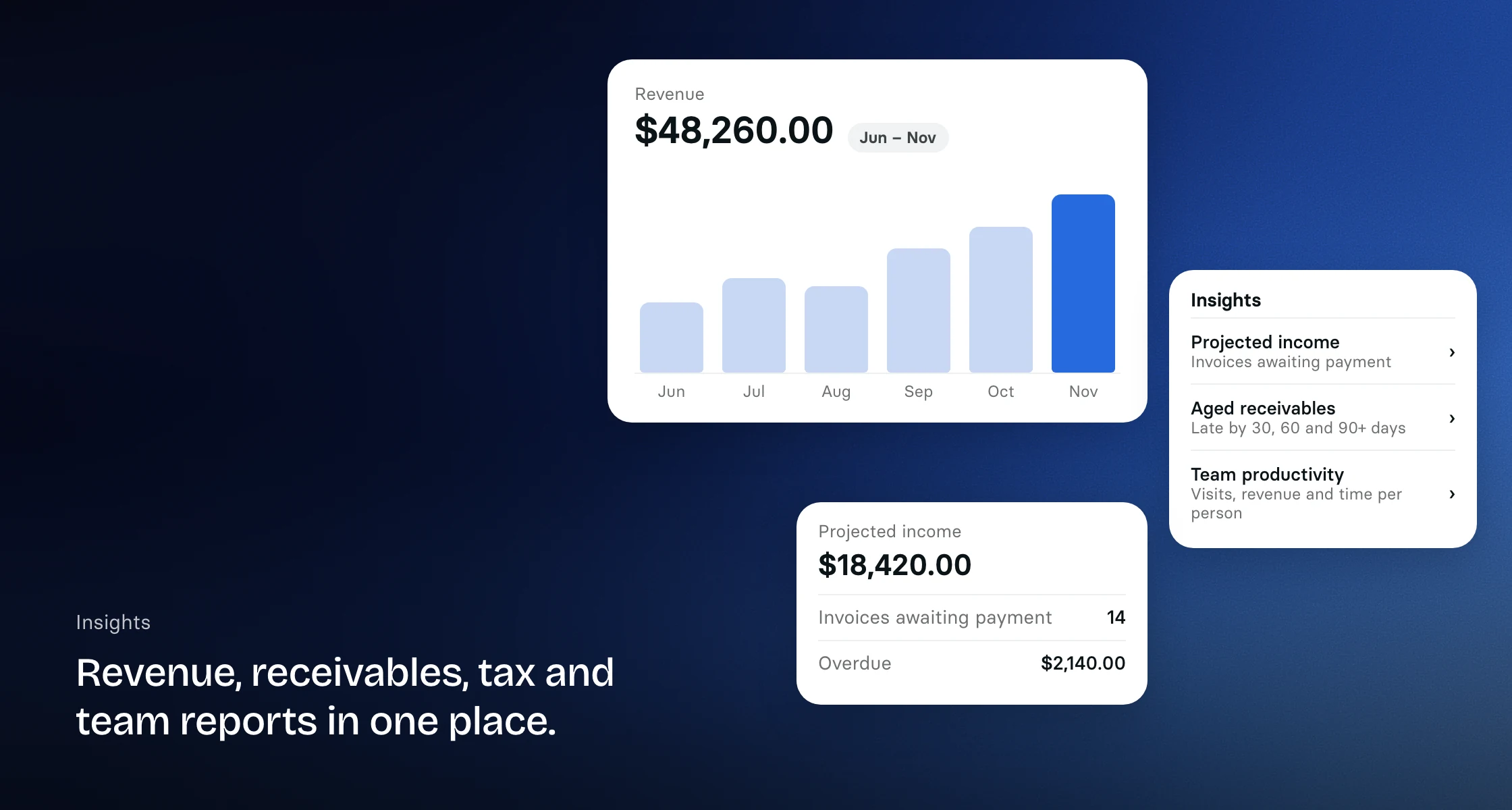
Projected income, transactions, invoices, tax, aged receivables, bad debt, client balances, revenue and expenses. See what is owed, what came in and what you collected for tax. Projected income splits unpaid invoices into late, due today and coming due, and aged receivables groups late ones by how many days late they are.
Work reports
Estimates, visits, one-time and ongoing jobs, requests, team productivity, products and services, timesheets and checklists. See where the hours and the work went. The job reports show each job's revenue before tax, and team productivity shows visits, job revenue and time tracked per person, in hours, never pay. For profit and margin on a single job, see job costing.
Client reports
Clients, lead source, re-engagement, communications and property list. See where your work comes from and who you have not heard from in a while.
Filter, total, export
Pick a preset such as this month or last month, or set your own range, then filter the results and choose the columns you want. Export all columns or just the ones you picked to CSV or Excel for your bookkeeper. Dates follow your company's time zone. Invoices, payments and customers also sync to QuickBooks Online.
Your numbers on the dashboard
The dashboard's Business performance row shows Receivables, Upcoming this week and Revenue this month, and each one opens the page behind it.
Or just ask
The AI Business Assistant answers questions like who owes you money, using these same reports as its sources. If you work in Claude or ChatGPT, the Clevra MCP connector can run your reports there too.
More on how Clevra works: Scheduling, Estimates, Invoicing, Payments, CRM.