Jobs, revenue, overdue invoices and timesheets, answered from your live data.
Clevra runs each job from the first call to the paid invoice: scheduling, quotes, invoices, payments, your crew and your clients, in one app.
Each step hands off to the next, so a request becomes a quote, a job, an invoice and a payment without typing anything twice.
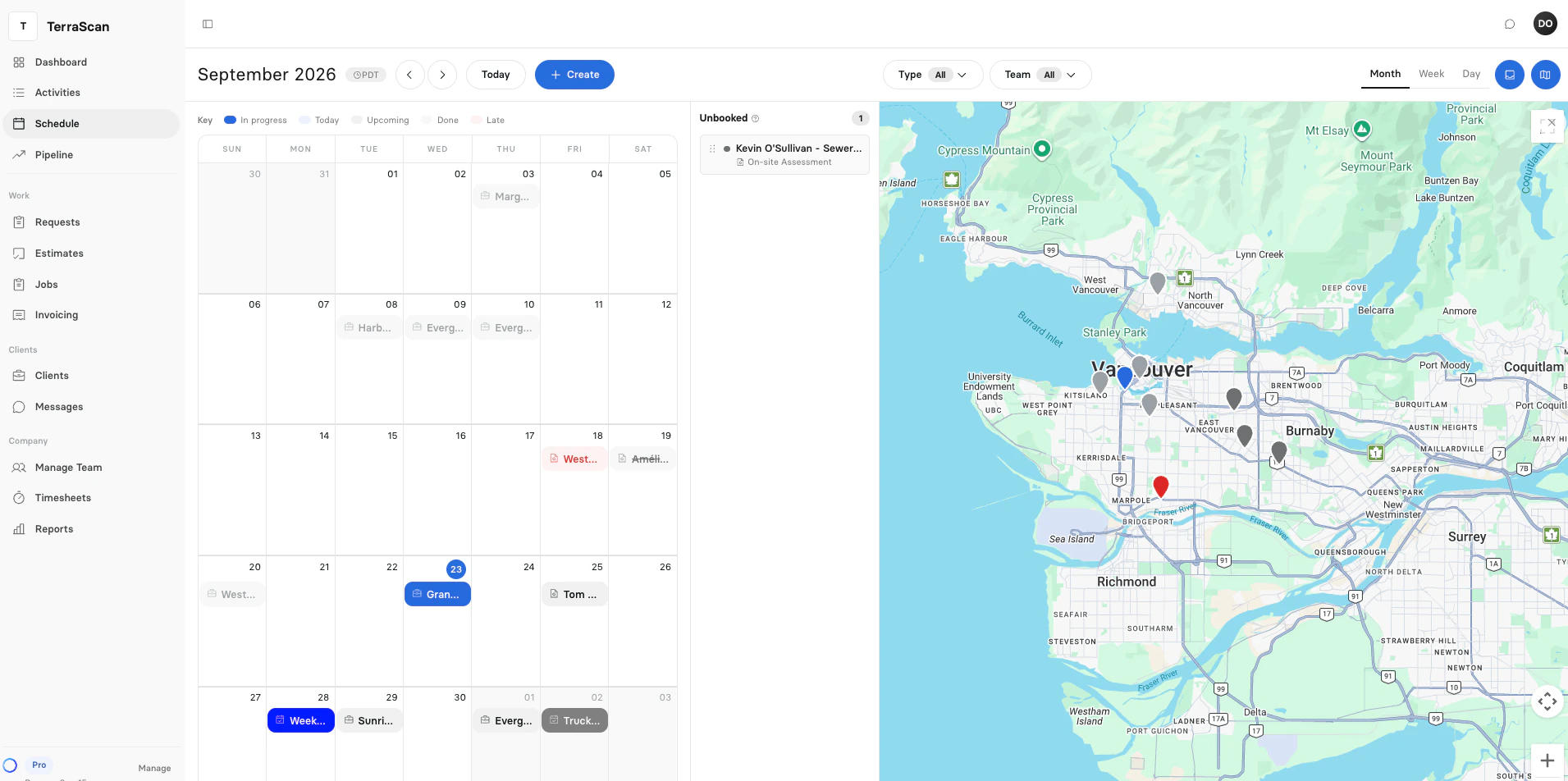
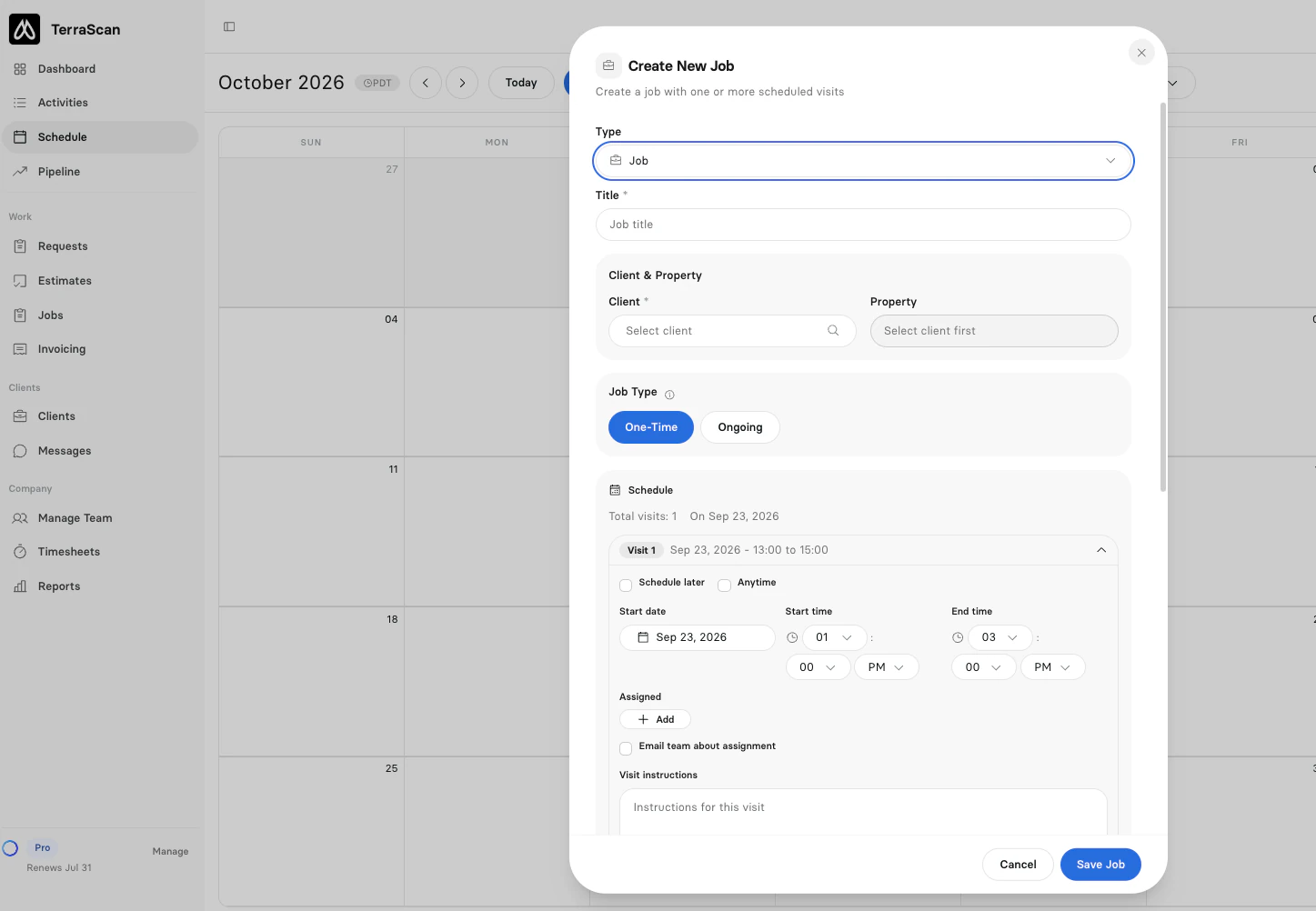
Book jobs, assign crews and drag visits on one calendar, with a map of the day and automatic reminders for customers.
How scheduling works
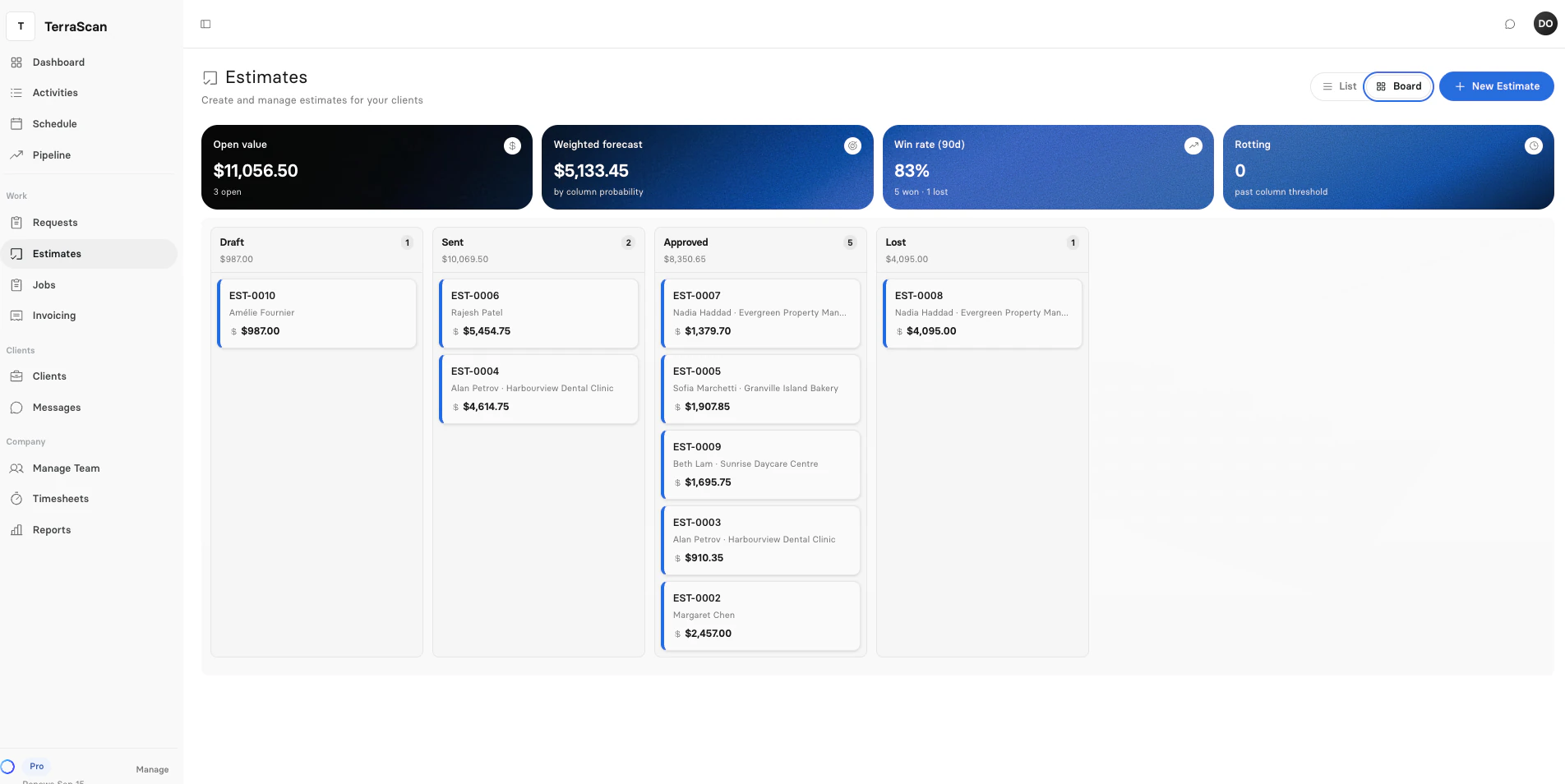
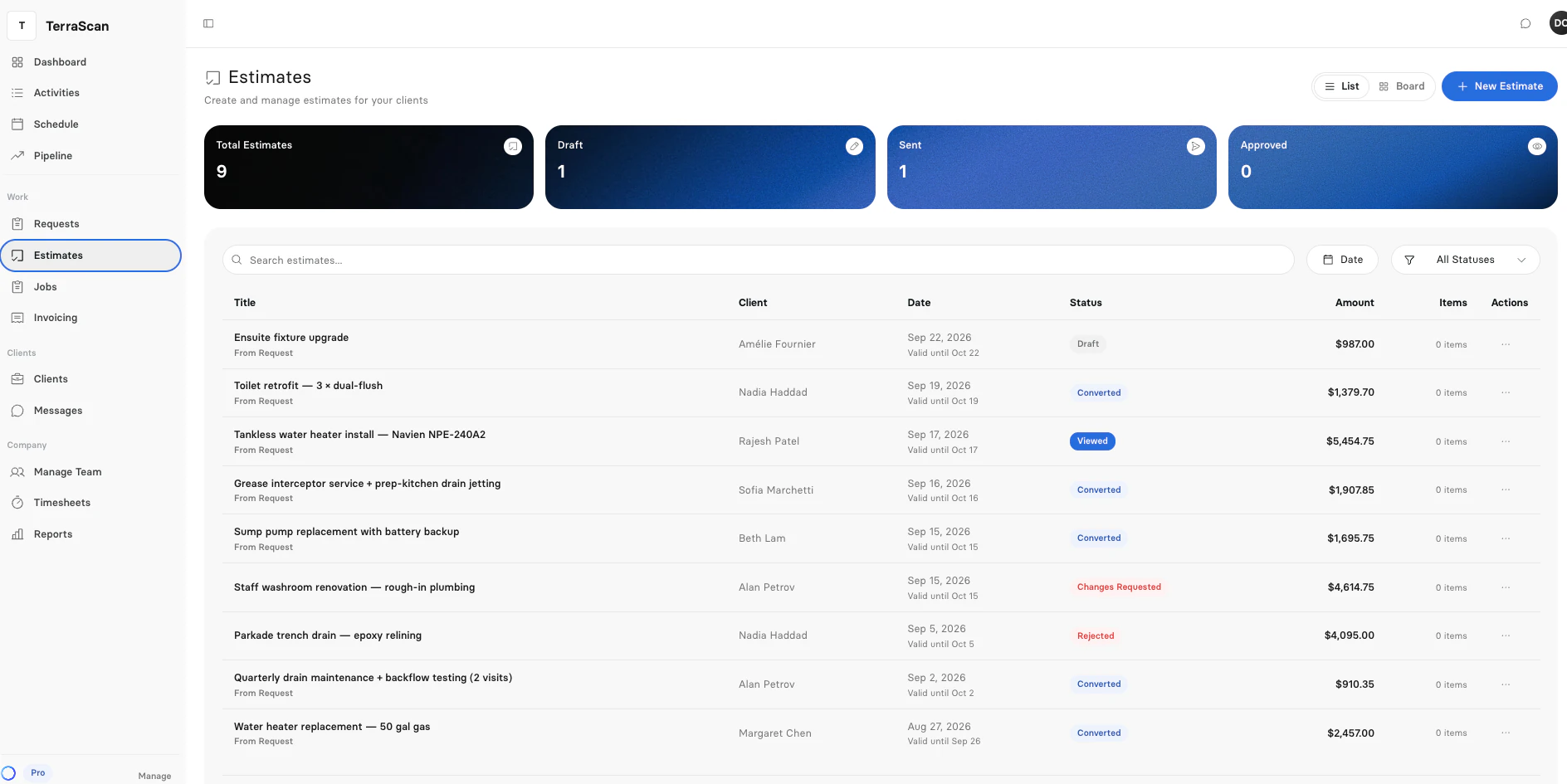
Build quotes from your service items, offer good, better and best options, and let customers approve and sign online.
How quoting works
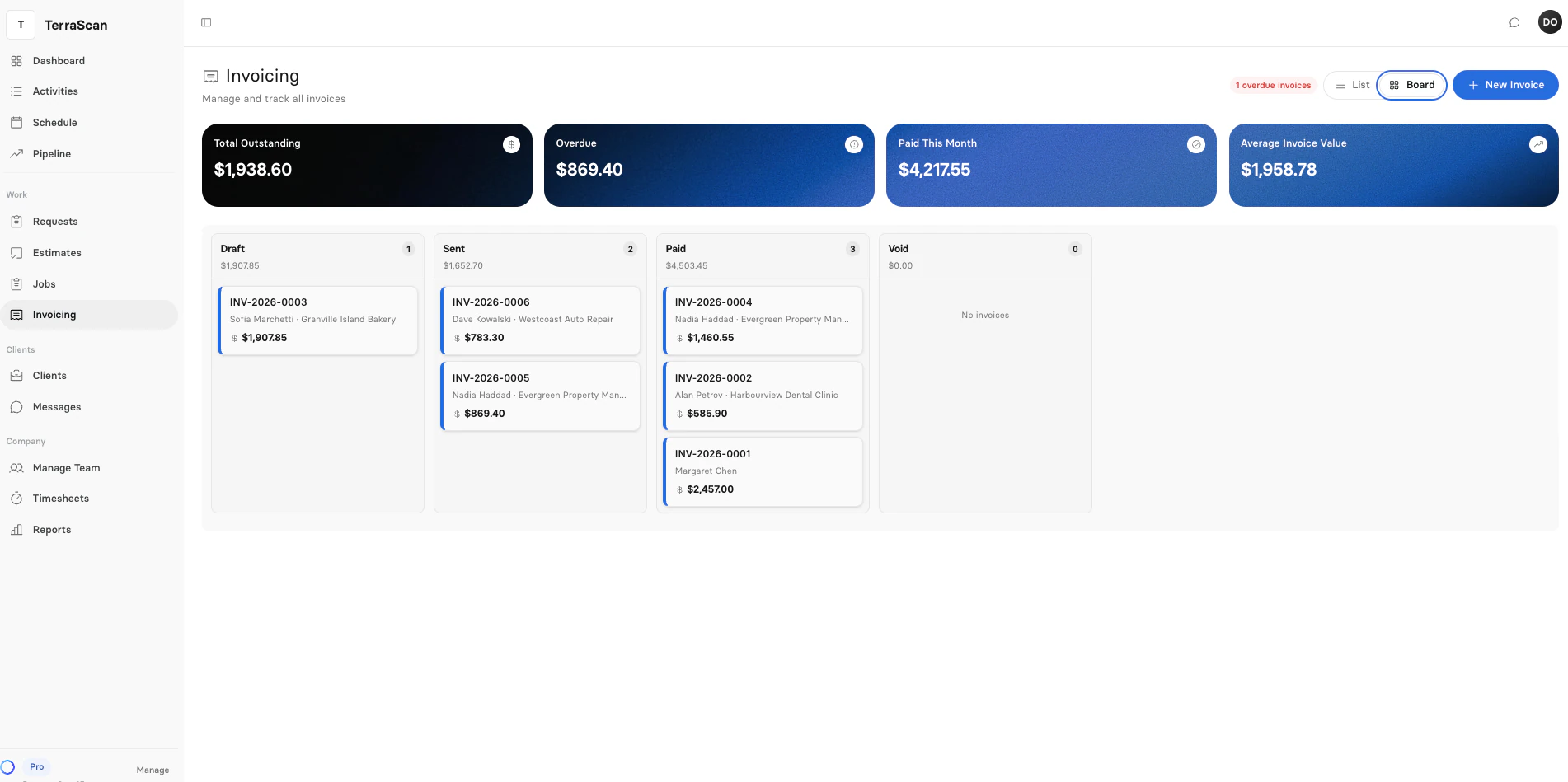
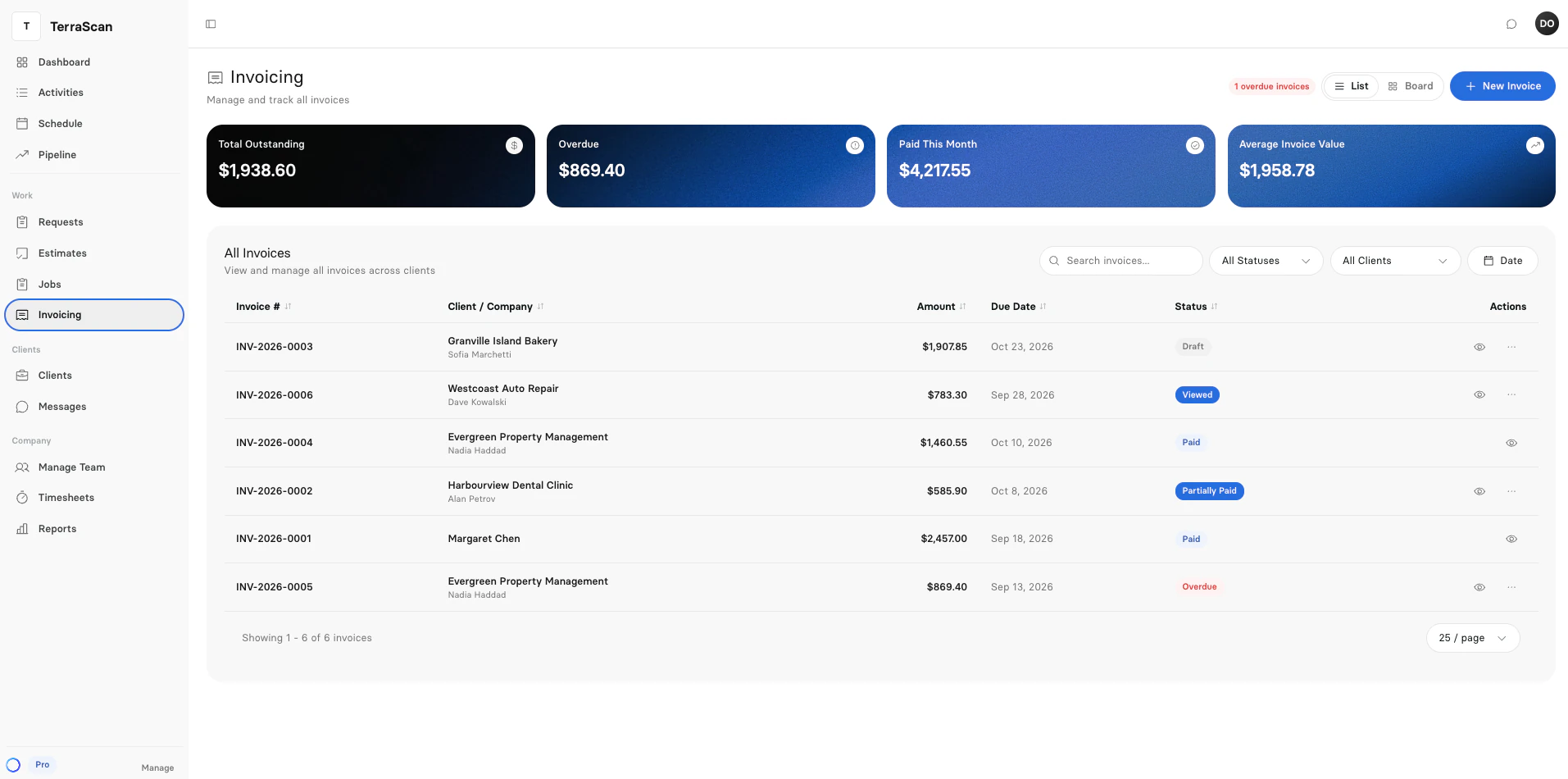
Invoice finished visits in a few clicks, send a secure link, and see what is viewed, paid or overdue.
How invoicing works
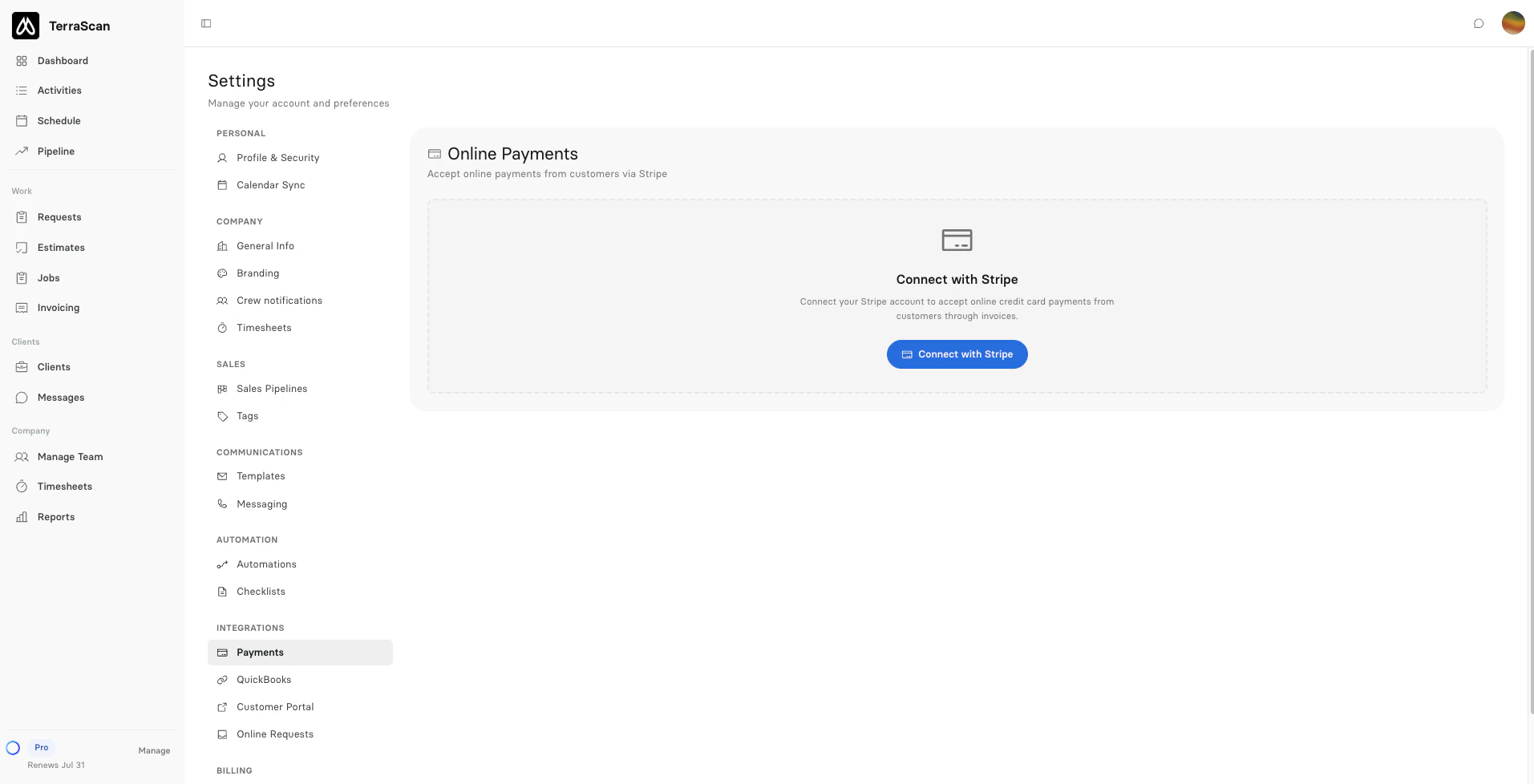
Customers pay invoices by card through Stripe. Log cash and checks too, and every balance stays right.
How payments work
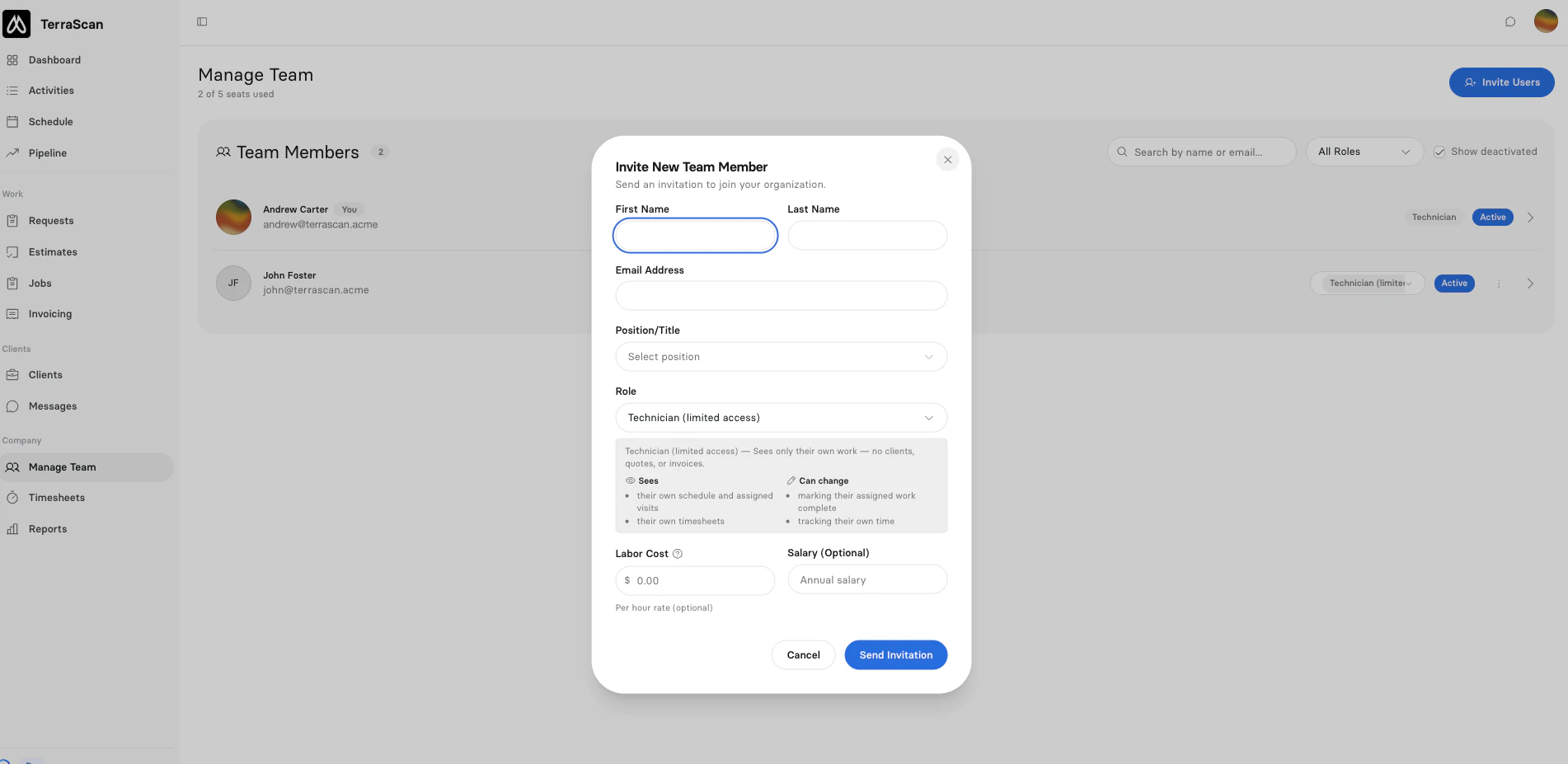
Invite your team, choose what each role can see, track time against jobs and approve timesheets for payroll.
How crew management works
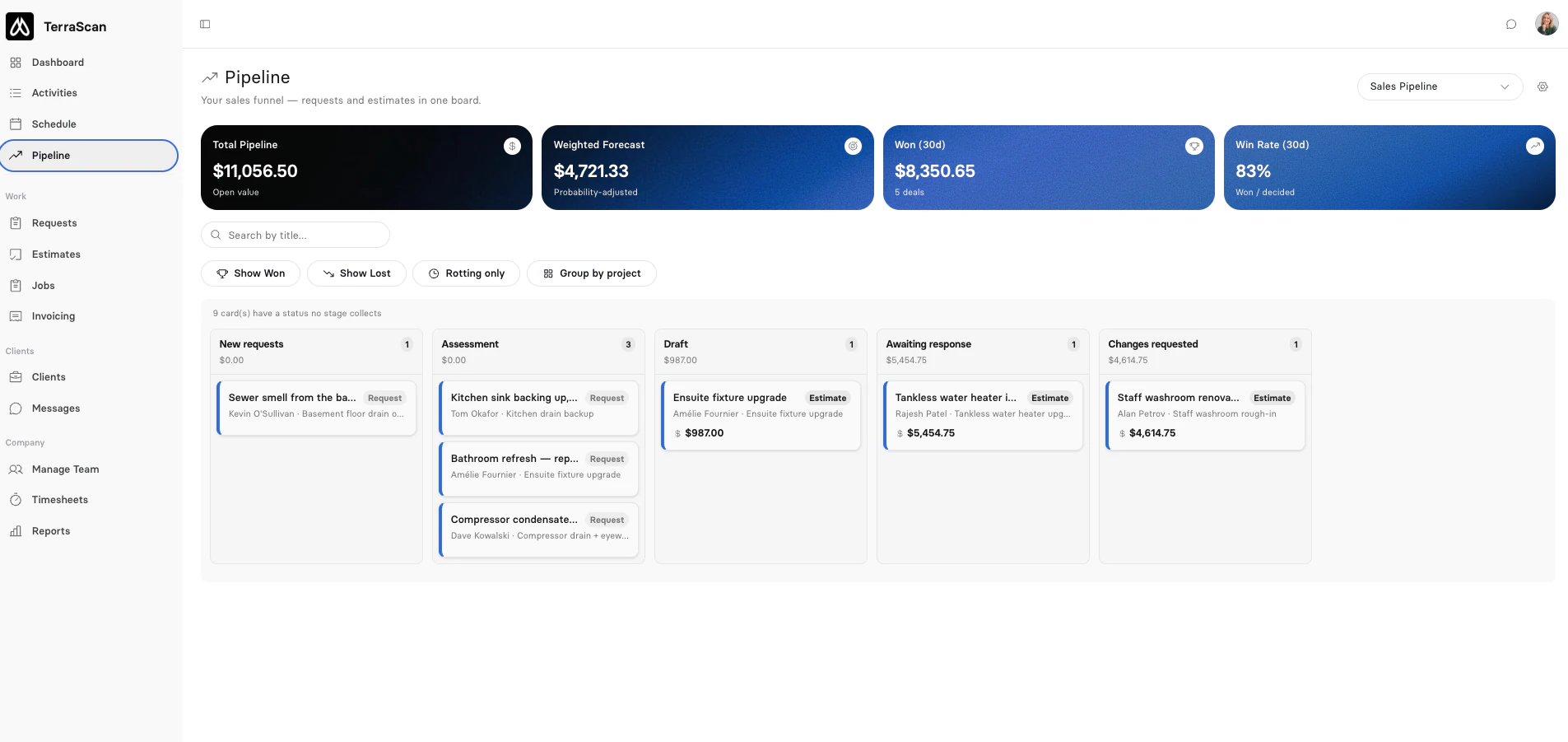
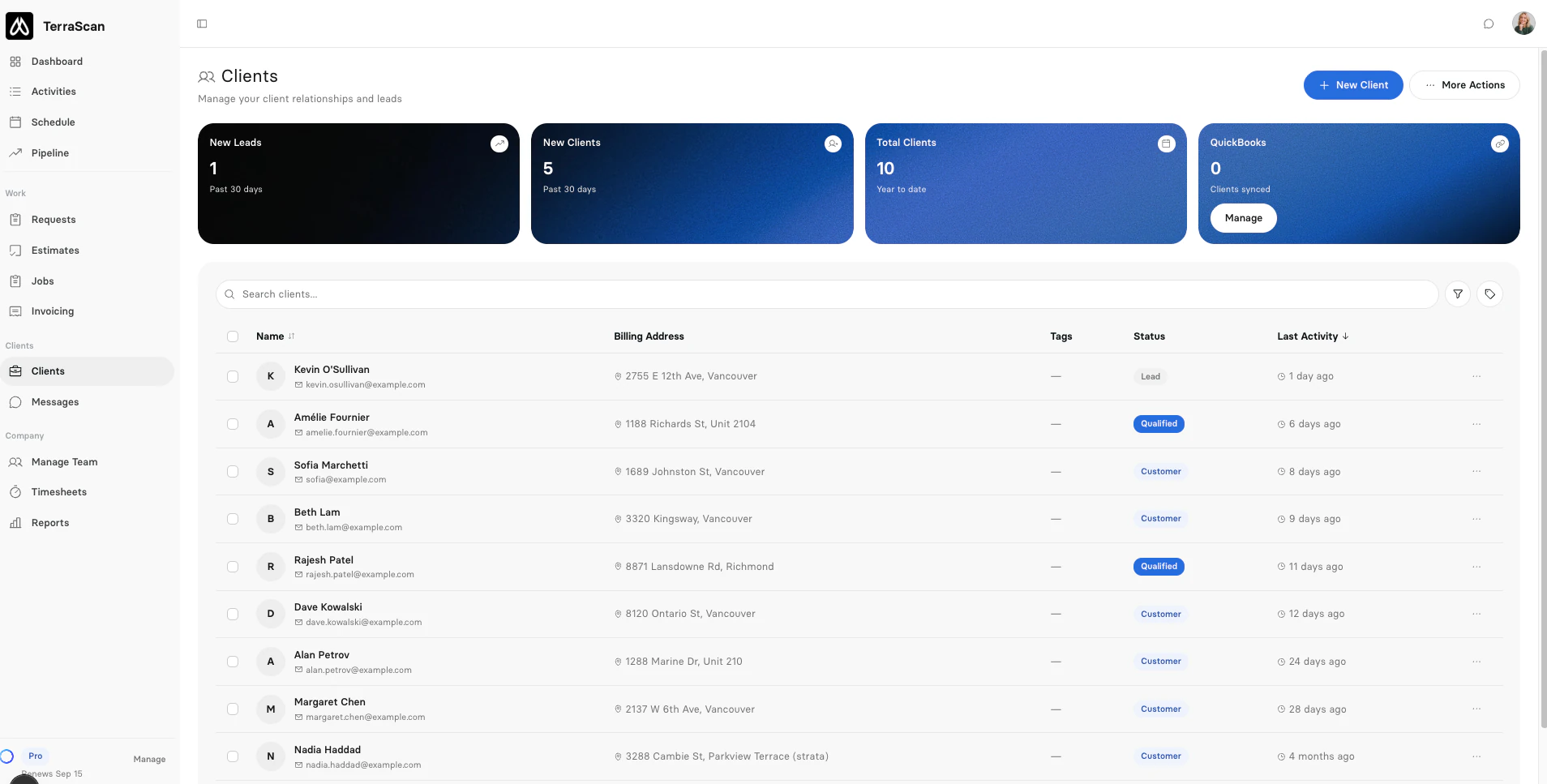
Keep every client, job site and follow-up in one place, with a sales pipeline on every plan.
How CRM worksDispatch, automations, a ready-made service item library and reports are part of the same app, not extra tools to connect.
Assign visits to the right people, get a warning before you double-book anyone, and move the day around with a drag.
Pick a trigger, like an invoice going overdue, and Clevra sends the email or text and sets the reminder. On paid plans.
Quotes and invoices start from a library of service items across 28 trades, so you type less and price the same way every time.
See revenue, expenses and profit per job, and export reports to CSV, Excel or PDF.
Requests arrive from your website form, forwarded emails or the customer portal, and land on the right client with their job sites and history.
Send the quote as a secure link. The customer picks an option, approves and signs, and the job is created for you.
Book the visit, assign the crew and add instructions. Each tech sees their own day on their phone and marks the work complete.
Invoice the finished visits in a few clicks. Customers pay by card online, and you see what is paid or overdue.


Items marked Paid plans come with Pro, Business and Custom. Compare plans.
Take requests from your website, forwarded emails or the portal, then turn them into quotes or jobs.
Keep several service locations under one client, each with its own history.
Clients approve quotes, check job status, view forms and pay invoices, with passwordless sign-in.
Build custom forms so crews record findings, readings and photos on site, then send them as a PDF.
Text clients from your business number and keep every conversation in one inbox.
Visit confirmations and reminders go out on their own, and quotes and invoices arrive as secure links.
Ask about your jobs, clients and numbers and get answers from your own data.
Invoices and payments sync to QuickBooks Online, and a voided invoice is voided there too.
Each person can follow their Clevra schedule in Google Calendar, Apple Calendar or Outlook.
Give each person the right access, from a limited technician to a payroll admin.
Set up maintenance plans and routes once, and Clevra creates every visit.
Put your logo on quotes, invoices, emails and the customer portal.
Run separate sales pipelines, for example one for residential and one for commercial work.
Bring your client list over from a spreadsheet in minutes.
See a record of account actions, so you always know who changed what.
Switch the whole app to a dark theme for late nights in the office.
These are in the works and not available yet. Want a say in what ships first? Book a demo and tell us what your crew needs.
Book a DemoWill answer calls and texts while your team is on a job, take the details and book the visit.
Will keep the day on track: arrival updates for clients, filling cancelled slots and end-of-day invoices ready for review.
Will follow up on unsigned quotes until they are signed or declined.
Will let techs talk through the job and snap photos hands-free, then turn it into the job record, report and invoice.
Will keep equipment, findings and past visits for every client location, so the next crew arrives prepared.
Will let you connect Claude, ChatGPT and other AI assistants to your Clevra account.
Will connect Clevra to the other apps you use, without code.
Will put the day's schedule and visits in a native app for techs. Today, Clevra runs in any phone browser.

You run a crew, not a tech company. Clevra handles the office stuff so you can stay on the tools.